Sell Lemons Forever Purchase guide
Sell Lemons Forever Purchase Guide: What to Buy and When
A version-safe route for getting the Forever Purchase menu, comparing the first choices, and deciding what a second purchase should do for your next run.
- Primary intentGet and choose
- Best usePurchase order
- ValuesLive-menu checked
- Page typeFan guide
Quick answer
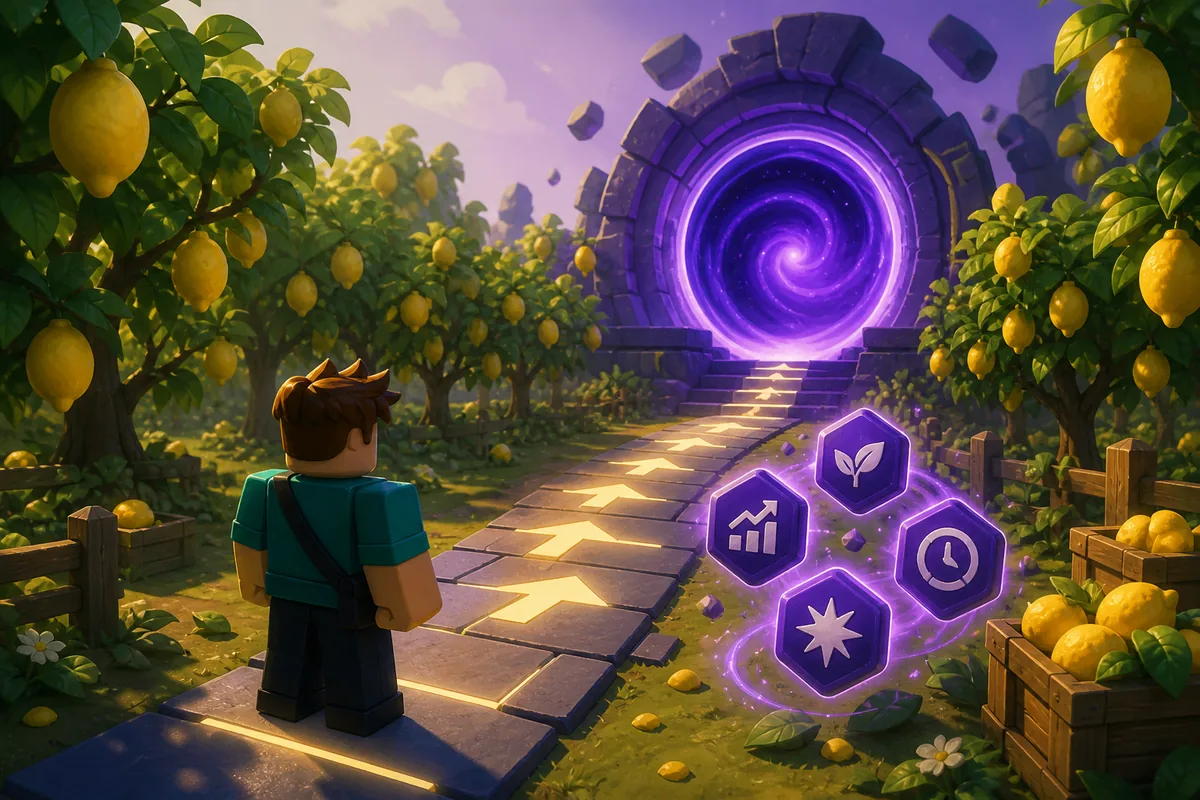
What is a Forever Purchase in Sell Lemons?
A Forever Purchase is the longer-term purchase layer players usually look for after an Ascension or another late progression checkpoint. The exact unlock wording, token name, prices, and carry-over rules can change, so the current confirmation screen and purchase menu must decide what is available on your account.
The useful question is not simply which option has the biggest name. First decide whether your next run needs broader progression, less travel, a system-wide effect, or a direct fix for one bottleneck. Then compare the expected time saved with the next reset and with the purchase that the live menu actually confirms.
This guide keeps the primary intent together: how to get a Forever Purchase, what to use it on, and how to think about a first versus second purchase. It does not publish a fixed price list, multiplier, or universal tier ranking that could become stale after a balance change.
How to get it
Unlock and confirm the menu in the current run
The route is stable enough to follow without inventing a token count or promising that every reset keeps the same reward.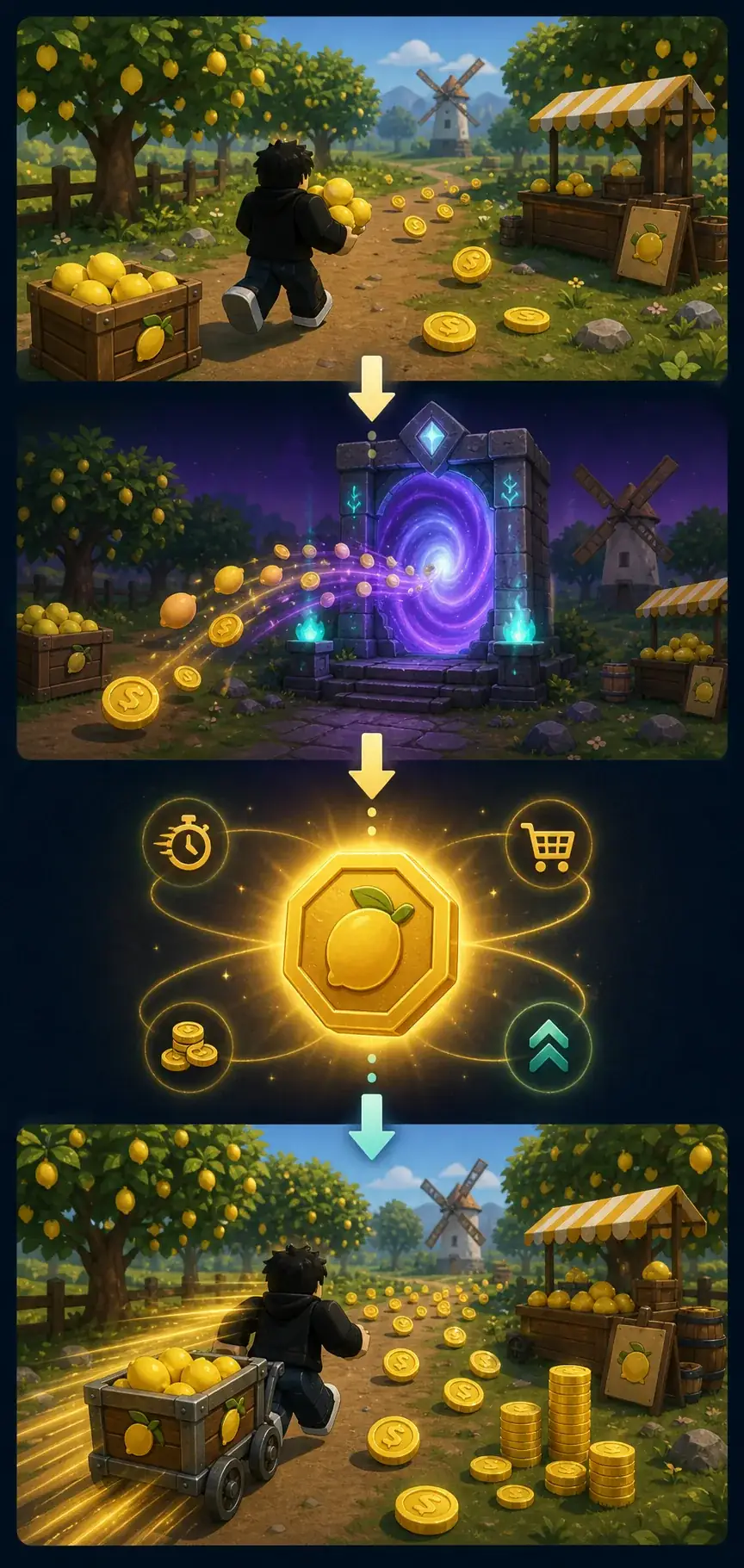
Finish the current Ascension requirement
Use the current Ascension page and live game panel to confirm that the run is actually ready. Do not treat an old video, a copied token number, or a search snippet as proof that your account has unlocked the same layer.
Read the reset confirmation before clicking
Check what is spent, what is reset, what is kept, and whether the new purchase menu is described as persistent. The wording on this screen is more useful than a community list with no date or version.
Open the Forever Purchase panel after the transition
After the game returns to the next state, look for the current token, purchase button, requirement, and ownership label. If the panel is missing, recheck the prerequisite and the server state instead of guessing a hidden route.
Record the visible evidence
For your own notes, save the date, visible option names, price format, carry-over wording, and the next reset target. This makes an old recommendation easier to audit when the live experience changes.
First-purchase comparison
What to use a Forever Purchase on
Match the purchase to the delay you can observe, not to the option that sounds most permanent or most advanced.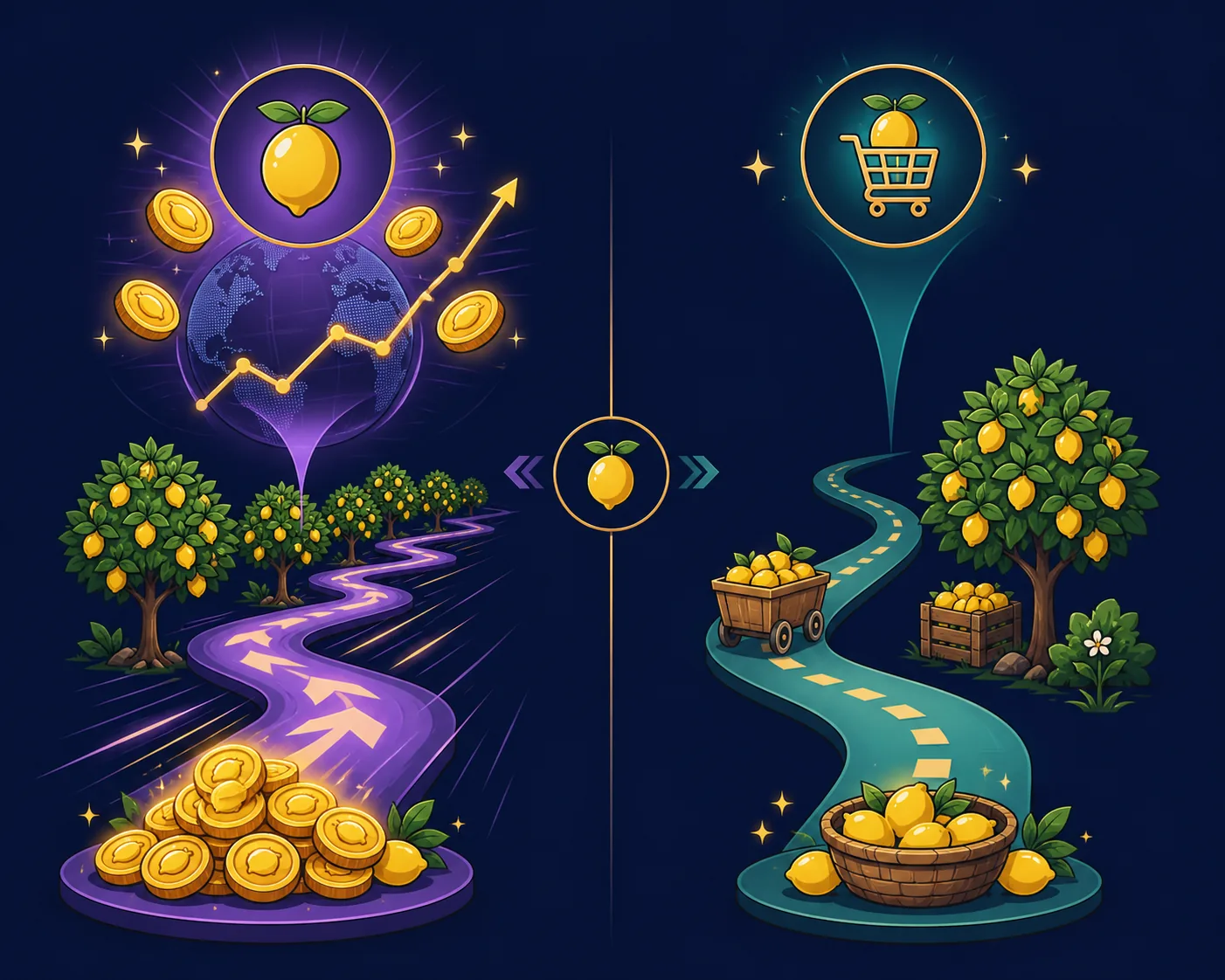
| What you see | Best first comparison | Verify before buying |
|---|---|---|
| Several progression layers are slow | Compare Wormhole Development or another broad option that explicitly names those layers. | Read its scope and whether the benefit survives the next reset; do not infer permanence from the label. |
| Repeated travel or shop trips waste the run | Compare Remote Buy when the live description shows that it removes those trips rather than only adding convenience. | Measure trips saved and confirm the actual unlock requirement in the current Powers or Forever Purchase panel. |
| Many connected systems benefit from one effect | Compare Global Upgrades or a system-wide option with the next focused Power. | List every affected system and estimate payback before the next Ascension, Rebirth, or other reset. |
| One visible bottleneck dominates | Delay the broad purchase and compare the direct Power that fixes production, carrying, selling, or the current gate. | If the Forever Purchase does not affect that exact step, it is not the best first answer just because it is permanent. |
| The menu or old guide is unclear | Wait, capture the wording, and use the official game state as the evidence source. | Avoid a fixed tier list until the option, cost, ownership, and carry-over rule are visible. |
Purchase order
A safe Forever Purchase order for the first and second buy
The order stays useful when exact prices change because it is based on bottlenecks, payback, and confirmed persistence.Define the next-run target
Write one outcome such as faster development, fewer trips, a stronger global loop, or a specific unlock. A single target prevents a broad label from replacing a real decision.
Compare the first purchase with a focused fix
If a Power or normal upgrade removes the first hard stop, compare its short payback with the Forever Purchase. Permanent does not mean immediately optimal.
Use the live description to choose the first option
Choose the option whose named systems match your target and whose requirement, price, and carry-over status are visible now. Keep a note of what you did not buy and why.
Recheck the new loop before a second purchase
Run the same production, travel, selling, and reset checks again. The first purchase may move the bottleneck, so the best second purchase can be different from the best first purchase.
Treat the second purchase as a new comparison
For a second Forever Purchase, compare Wormhole Development, Remote Buy, Global Upgrades, and any newly unlocked option against the new bottleneck. Do not copy another player's order without matching their progression state.
Wormhole Development
Why Wormhole Development is often discussed first
Wormhole Development is a frequent part of the Forever Purchase conversation because its name suggests broad late-game development instead of a single convenience upgrade. That makes it a sensible comparison candidate when several progression layers are limiting the same run, but the name alone does not prove its exact scope or value.
Use the current panel to list what the option actually changes. Then compare that list with the next two or three delays in your loop. If it reaches only one future system, treat it like a focused purchase; if it reaches several systems and the benefit lasts through the reset that matters to you, the broader option may justify its cost.
The same logic applies to the query ‘wormhole development Sell Lemons’: it belongs inside this wider Forever Purchase guide rather than as a separate page because the user still needs the unlock, purchase-order, and live-verification context around it.
Choose it when scope matches the target
A broad development option is strongest when the current run has more than one repeatable delay and the live description confirms that those layers are included.
Do not buy it for the name alone
Wormhole, development, and forever are useful labels for finding the menu, not proof of a multiplier, token cost, or universal first-place ranking.
Compare it with Remote Buy
If empty travel is the real time sink, Remote Buy may create a clearer benefit. Count trips removed and verify that the current option affects the transaction you repeat most.
Compare it with Global Upgrades
If production, selling, and another connected layer are all slow, a confirmed global effect may compete well. Use the current text and a before-and-after loop rather than an old tier list.
Version and reset checks
What this guide intentionally does not promise
Sell Lemons is a live Roblox experience. Prices, token names, option order, requirements, and reset behavior can change. This page therefore avoids inventing an exact Forever Purchase price, a permanent multiplier, or a universal first/second order without a current first-party confirmation.
When a search result, community video, and live panel disagree, use the current game panel for the decision and keep the older source only as context. If an option appears locked, missing, or different after Ascension, verify the prerequisite and server state before assuming the account is broken.
Practical check
Turn the purchase choice into a repeatable test
Before buying, watch one complete loop and write down where the run waits: production, carrying, selling, travel, or the next progression gate. After buying, repeat the same observation instead of judging from the animation or the name. A simple before-and-after note is enough to tell whether the purchase changed income, removed waiting, or only made the route more convenient.
This test also protects the second-purchase decision. If the first option improves development but leaves travel as the largest delay, Remote Buy may become the better follow-up. If it removes travel but production remains slow, compare a focused Power or a confirmed Global Upgrade. The order should follow the new loop, not an old ranking copied from another account.
Related progression guides
Keep each next question on the right page
Use Ascension for the reset decision that leads into this purchase layer, Halo for cosmetic and persistence questions, Global Upgrades for broad upgrade mechanics, and Powers or Remote Buy for focused bottleneck checks.
The Forever Purchase page is the bridge between those topics: it explains how to confirm the menu, compare the first choice, and revisit the order after the first purchase changes the run.
- Ascension timing
- Ascension Guide
- Broad upgrades
- Global Upgrades
- Focused fix
- Powers Guide
- Remote option
- Remote Buy
- Reset context
- Rebirth Guide
Sources checked
Use official game state for final values
- Official Sell Lemons Roblox experienceUse the current menu, reset confirmation, and purchase text as the final check for requirements and effects.
- Sell Lemons community referenceCommunity context can help identify terminology such as Wormhole Development; verify every value against the live experience.
FAQ